
Playing pokies on the move should be as straightforward as picking a game from the lobby and tapping spin. The mobile experience at Cango brings the entire collection of slots, live tables, and bonus features directly to your device without requiring a trip to an app store. Whether you prefer the convenience of an iPhone or the flexibility of an Android handset, the interface adjusts to your screen size, maintaining full functionality for deposits, gameplay, and managing your account.
Cango casino app: install at a glance
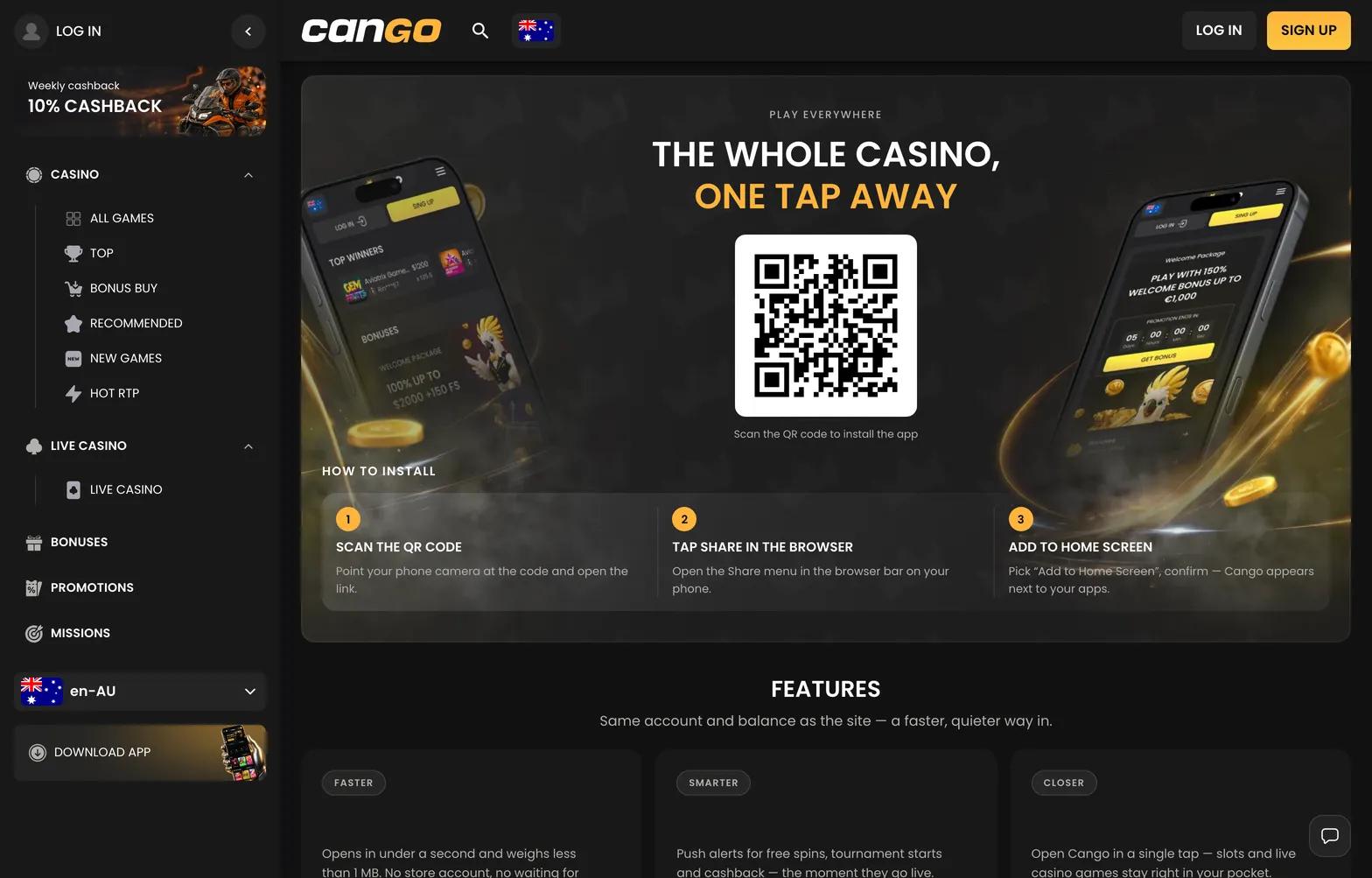
Setting up the mobile interface on your device is a quick process that bypasses traditional download hurdles. You essentially create a shortcut that behaves like a standalone application, giving you immediate access to your favourite pokies like Big Bass Bonanza or Gates of Olympus. The following table outlines the simple steps to get started on your preferred mobile operating system.
| Device Type | Installation Steps | What You Need |
|---|---|---|
| iPhone (Safari) | Scan the QR code on the install page or open the site in Safari, tap the Share icon, select Add to Home Screen | Safari and an active internet connection |
| Android (Chrome) | Open browser, visit site, tap three-dot menu, select Install app | Active internet connection, Chrome browser |
| Tablet/iPad | Follow same steps as mobile browser | Compatible browser, a little free space for cache |
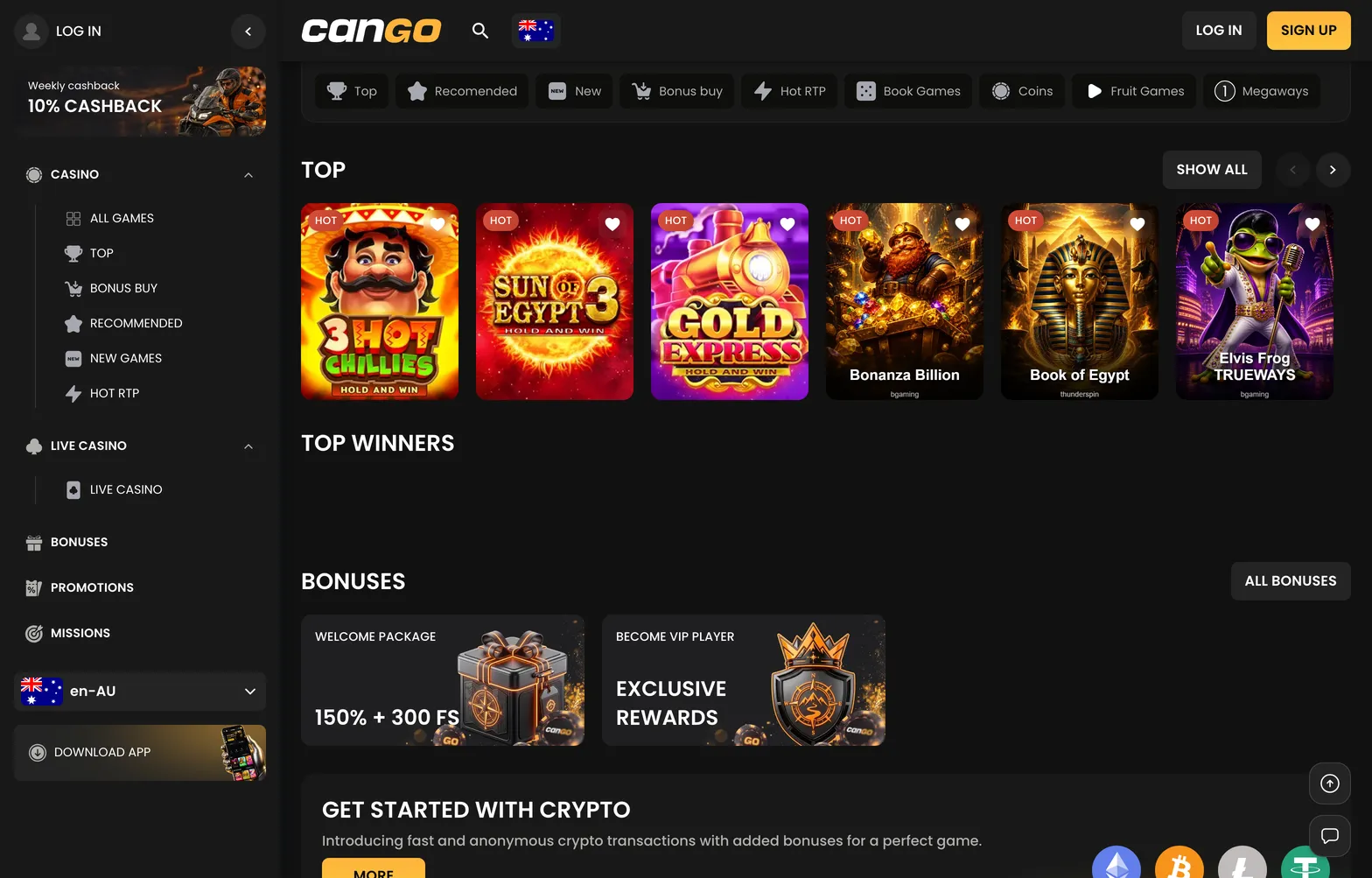
Once the icon appears on your home screen, the site loads within its own container, effectively hiding the browser address bar and toolbars. This gives you more screen real estate for spinning reels and navigating the lobby. The platform is designed to be responsive, ensuring that buttons, menus, and the cashier interface remain easy to tap with your thumb. You do not need to hunt for updates in a store, as the content refreshes automatically whenever you launch the app, ensuring you always see the latest games like 3 Hot Chillies or the newest bonus offers.
Cango app: adding it on Android
Android users benefit from the browser’s built-in capability to create a direct access point to the casino. When you use the Google Chrome browser to visit the site, it recognises the mobile-optimised web structure and facilitates a swift installation process. You avoid the clutter of third-party APK files or permission issues, as this method relies on standard web technology that keeps your device secure and your data traffic efficient.
To begin, open Chrome and navigate to the casino site. Once the main page loads, look for the three-dot menu button located in the top-right corner of the browser window. Within that menu, you will see an option labelled “Install app” or “Add to Home screen”. Tapping this confirms that you want to create a shortcut. After a brief moment, the Cango logo appears on your phone’s dashboard, right alongside your other essential apps. Launching this icon brings you straight into the lobby, allowing you to log in, deposit funds, or jump into a session of Elvis Frog TRUEWAYS without navigating through bookmarks.